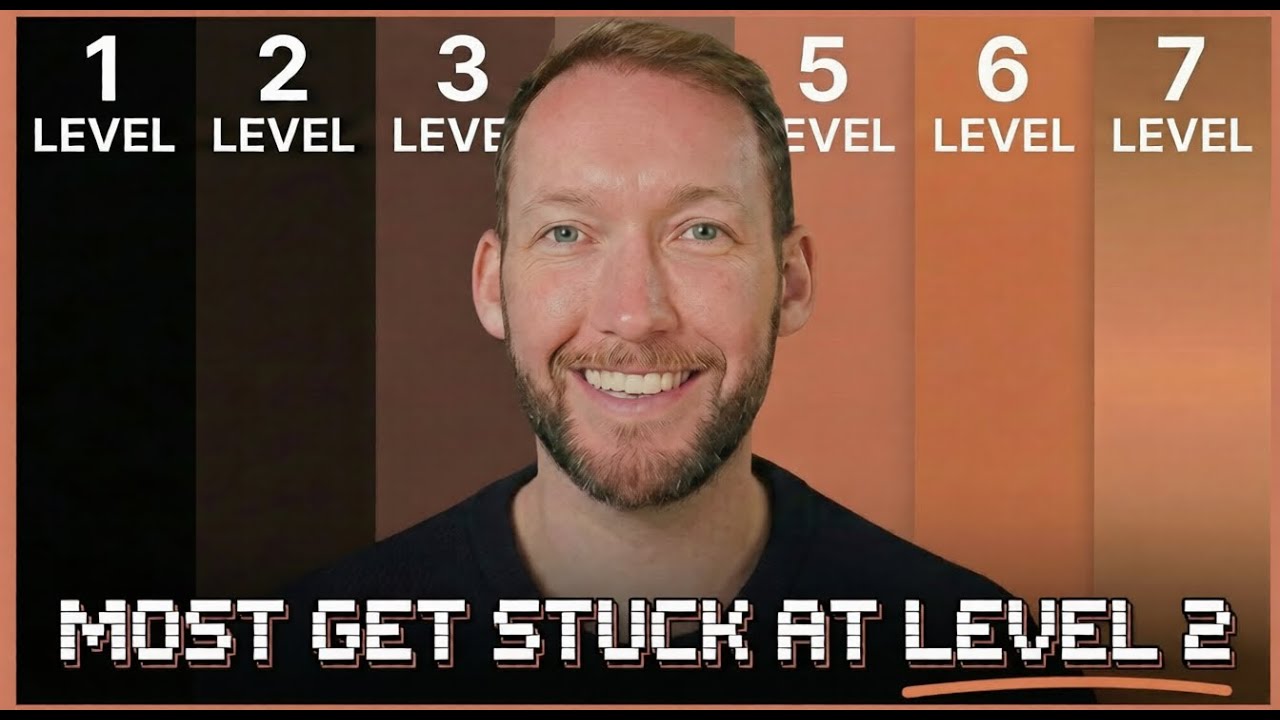
A comprehensive walkthrough of seven progressive levels of Claude Code mastery, from basic prompting with intent all the way to fully autonomous agent pipelines, demonstrated through the practical example of building a social media content creation system.
Level 1: Prompting with Intent
- Plan Mode (Shift+Tab) is the key habit that separates beginners from effective users -- always plan before building
- Plan Mode is read-only: it researches your codebase and proposes a plan before touching anything
- Claude uses an Ask User Questions tool to clarify assumptions and build comprehensive context before execution
"If my goal is to write a pull request, I will use plan mode. And I'll go back and forth with Claude until I like its plan." -- Boris Cherny, creator of Claude Code
Level 2: The CLAUDE.md File
- CLAUDE.md is like onboarding a new team member -- it tells Claude your tech stack, preferences, and mistakes to avoid
- Keep it short, specific, and only include what Claude cannot figure out itself
- Don't dump -- keep CLAUDE.md lean and reference external files for details (brand voice docs, style guides, etc.)
- Framework: (1) What is this project? (2) Exact steps/workflow (3) Rules and non-negotiables (4) Common mistakes/edge cases (5) How we work together
- Use
/initon existing projects to auto-generate a starter CLAUDE.md
Level 3: Slash Commands, Skills, and Hooks
Slash Commands
- Saved prompts you reuse with one keystroke, stored in
.claude/commands/as markdown files - Support dynamic arguments via
$ARGUMENTSplaceholder - Ideal for repetitive tasks like "write 3 LinkedIn posts about [topic]"
Skills
- An upgraded version of commands -- background knowledge loaded automatically when relevant
- Can include entire folders of supporting files (examples, style guides, references)
- Stored in
.claude/skills/with aSKILL.mdfile and supporting materials - Browse and install community skills from skills.mp or clone from GitHub
- Key: write a precise description so Claude knows exactly when to use the skill
Hooks
- Zero-LLM-cost automatic triggers that fire after Claude Code performs actions
- Configured in
.claude/settings.json - Use for mechanical checks: banned word scanning, word count limits, auto-formatting
Simple way to remember: Skills = how Claude thinks. Hooks = what happens automatically after Claude acts. Commands = what you trigger manually.
Level 4: MCP Servers
- Model Context Protocol servers bridge Claude Code to external apps (Airtable, Notion, etc.)
- Configure in
mcp.jsonat the project root, or use the built-in/mcpcommand - Enables reading data from and writing data back to your everyday tools
- Thousands of MCP server integrations available in community repositories
Level 5: The GSD Framework
- Breaks large projects into phases with a plan-execute-verify loop for each
- Solves the context rot problem -- as input tokens grow, output reliability drops (50% context loss at ~7,500 words)
- Keeps context in individual phase-level files with task-level tracking, preventing context window overflow
- Creates a
.planningfolder with road maps, state documents, and per-phase plans with acceptance tests
Level 6: Sub-Agents and Agent Teams
- Split work across specialized sub-agents (researcher, writer, reviewer) instead of one generalist
- Two strategies: quality (specialists feeding into main agent in one terminal) or speed (parallel terminals for independent tasks)
- Sub-agents keep context clean, make responses faster, and reduce token costs through isolation
- Agent definitions live in
.claude/agents/as markdown files with descriptions and allowed tools
Boris Cherny runs five Claude instances in parallel in his terminal, plus 5-10 more on claude.ai/code -- but notes he uses few sub-agents regularly, focusing on automating his most common workflows.
Level 7: Fully Autonomous Pipelines
- The RALP loop -- a bash script that tells Claude to keep working until completion conditions are met
- Uses three files: a bash script, a PRD.json (product requirements with user stories and acceptance criteria), and a completion state tracker
- Each completed task feeds into a fresh context window, eliminating context rot
- Always set max iterations as a safeguard against runaway token costs
- RALP vs GSD: RALP is a pure executor for well-defined tasks; GSD is a planner+executor for larger, less-scoped projects