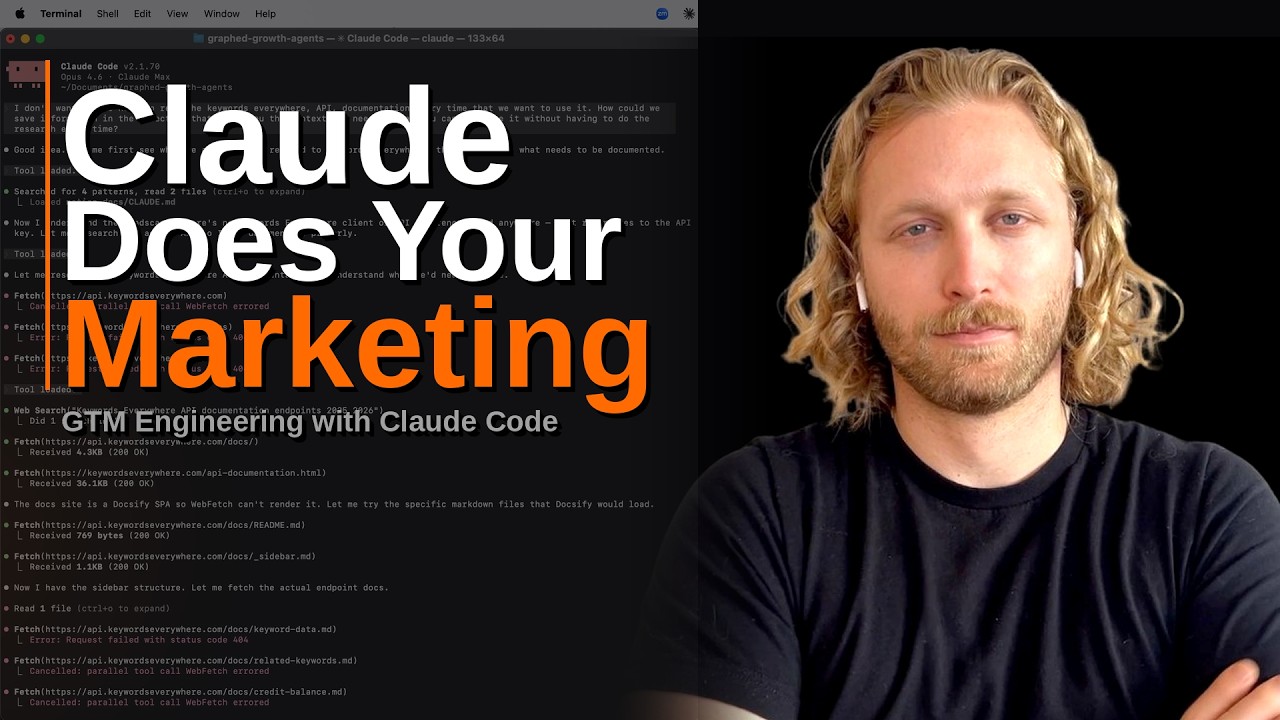
Cody Schneider (co-founder of Graph.com) demonstrates how to use Claude Code for go-to-market (GTM) engineering — using AI to handle the hands-on execution of marketing, sales, SEO, and content workflows so you can focus on strategy and curation.
What Is GTM Engineering?
- GTM engineering (go-to-market engineering) originally referred to cold email and outreach automation, popularized by Clay.com
- It has evolved to encompass all marketing execution: SEO, paid ads, content, customer experience, and product work
- The core idea: you provide the ideas, Claude Code does the middle work (the actual keyboard-level execution), and you handle the polish and curation
Getting Started: Setup in 10 Minutes
Folder and Environment Setup
- Create a dedicated working folder for your GTM projects
- Set up an .env file to store all your API keys (Keywords Everywhere, Strapi, Google Search Console, etc.)
- Create a claude.md file with instructions telling Claude to automatically add any new API keys to the environment file
Working with Multiple Terminals
- Schneider recommends working from the terminal rather than the Claude desktop app so you can run multiple agent windows simultaneously
- Use voice transcription (e.g., SuperWhisper) to dictate prompts instead of typing them
- Juggle between multiple Claude sessions — act as a conductor orchestrating parallel workstreams
Live Demo: Keyword Research to Published Blog Post
Step 1: Keyword Research
- Prompt Claude to use the Keywords Everywhere API to find "versus" keywords (e.g., "Looker Studio vs Metabase")
- Claude autonomously calls the API and returns relevant keyword data
Step 2: Writing the Blog Post
- Scrape page-one Google results for the target keyword as source material — Google is signaling what it considers a good result
- Prompt Claude to write a 1,500-word article based on that source material
- For higher quality: have an AI interview you for 30 minutes, use that transcript as your perspective/tone, and combine it with a style guide
Step 3: Publishing
- Prompt Claude to publish directly to your CMS via API (Strapi, WordPress, Webflow, etc.)
- This entire pipeline — research, write, publish — can be repeated for every keyword in your list
"If you think that your job is not going to be augmented in some way by this, you're getting high on your own supply. This is going to affect every person doing any type of growth role."
Continuous Improvement with Data
- Use Graph MCP (connected to Google Search Console) within Claude Code to pull live performance data
- Ask Claude to find your top-performing articles, analyze associated keywords, and suggest optimization strategies
- Build dashboards in Graph to track impressions and clicks over time, filtered by campaign
- The key insight: don't just publish and forget — use data to continuously refresh and improve content
Key Takeaways
- Claude Code transforms marketing from manual execution to orchestration — you direct agents instead of doing the work yourself
- The setup is minimal: a folder, an env file, and a claude.md — then you can start delegating real work
- Scale by running multiple parallel sessions, each handling different tasks
- Connect data tools (like Graph MCP with Google Search Console) to create a closed feedback loop from publishing to optimization